Google Ads is entering a new stage.
Search is becoming more conversational, advertisements are becoming more personalized, and Google can understand far more about a person’s needs than it could from a short keyword alone.
People are no longer searching only with terms such as “best CRM” or “HVAC repair near me.” They are asking complete questions, describing their circumstances and expecting Google to recommend a suitable solution.
Google is responding to this change by introducing new advertising experiences built with Gemini. These ads can understand detailed questions, highlight relevant product features, explain why an option may fit the user and help people interact with businesses without following the traditional search journey.
This creates new opportunities for advertisers, but it also creates a more important responsibility.
Google’s automation can only work with the information it receives.
If Google Ads only knows that someone submitted a form, it will try to generate more form submissions. It will not automatically know whether that person was qualified, booked an appointment, purchased a service or created revenue for the business.
A campaign may generate 100 leads and still produce very little business. Another campaign may generate only 30 leads but produce more qualified opportunities, customers and revenue.
This is why businesses must stop measuring Google Ads only by clicks, conversions and cost per lead. In the AI era of Search, successful advertisers need to connect advertising activity with CRM data, sales outcomes and customer value.
How AI Is Reshaping Search and Advertising
How AI Is Changing Google Search
Traditional Search usually started with a short keyword.
Someone looking for an air-conditioning company might search:
// QUERYAC repair near me
A restoration customer might search:
// QUERYEmergency water removal
A software buyer might search:
// QUERYBest CRM for small business
These searches still matter, but people can now give Google much more context.
For example:
// QUERYMy air conditioner is running but the second floor is still hot. The system is about twelve years old. Should I repair it or consider replacing it?
Or:
// QUERYA pipe burst in my kitchen and the water reached the hardwood floor. What type of restoration company should I call, and how quickly should the drying process begin?
These questions reveal the user’s problem, urgency, circumstances and desired outcome.
Google’s AI systems can interpret this wider context and identify products, services and information that may be useful. Instead of matching an advertisement with only one keyword, Google can consider the meaning behind the complete question.
For advertisers, this means that clear business information is becoming increasingly important.
Google needs to understand:
- What the business offers
- Who the service is intended for
- Which problems the service solves
- Where the business operates
- What makes one service different from another
- Which customers are suitable
- What customers should expect
- Which actions create value for the business
Keywords still matter, but keywords alone are no longer enough.
What Are AI-Powered Google Ads?
AI-powered Google Ads use artificial intelligence to understand searches, select relevant information, create or adjust advertising content and match offers with people who may be interested.
Google has used machine learning in advertising for years. Smart Bidding, responsive search ads, Performance Max and automated audience signals are familiar examples.
The latest change is the increasing use of generative AI within the Search experience itself.
Google has announced and tested new advertising formats that can appear during AI-assisted research. These experiences are designed to help users understand products and services while they are comparing their options.
Some formats are still being tested or introduced gradually. Their availability may depend on the advertiser, country, account, campaign type and product eligibility.
Conversational Discovery Ads
Conversational Discovery ads are designed for people who ask detailed questions.
Instead of displaying the same general advertisement for every related search, Google can use Gemini to create advertising content that responds more directly to the user’s situation.
For example, a person may search:
// QUERYI want my home to smell like a luxury spa, but I do not want candles or anything that requires regular maintenance. What are my options?
Google may identify a relevant advertiser and highlight specific products or features that match the request.
The advertisement can explain why the product may be suitable rather than simply displaying its name and price.
This creates a more useful experience for the customer, but its quality depends heavily on the information supplied by the advertiser.
A business should clearly explain:
- The purpose of each product or service
- Its main features
- Suitable use cases
- Important limitations
- Pricing information
- Availability
- Delivery conditions
- Service locations
- Return or cancellation policies
- Common customer questions
A vague landing page gives Google very little reliable information. A detailed and accurate page helps Google understand when the offer may be relevant.
Highlighted Answers in AI Mode
When people use AI Mode to research products, services or solutions, Google may provide a list of recommendations.
Eligible advertisements can appear within these recommendations as Highlighted Answers. These placements are still identified as sponsored advertising.
For example, someone planning an international trip may ask Google to recommend a language-learning application based on the destination, travel date and available study time.
A relevant advertiser may appear as a sponsored recommendation if its offer closely matches the user’s requirements.
This does not mean advertisers can appear for every question simply by increasing their budgets.
Relevance and quality remain essential.
A business must provide enough information for Google to understand:
- The intended customer
- The situation in which the offer is useful
- The benefits of the product or service
- The difference between available options
- The next step the customer should take
These placements may reward businesses that explain their offers clearly and answer real customer questions.
AI-Powered Shopping Ads
Large purchases often require considerable research.
A customer buying a refrigerator, television, computer or espresso machine may compare features, dimensions, prices, warranties and delivery options before making a decision.
AI-powered Shopping ads are designed to make this process easier.
Google can identify products that match the search and create a custom explanation showing why a particular item may be appropriate.
For ecommerce businesses, accurate Merchant Center data is essential.
Product information should include:
- Clear product titles
- Detailed descriptions
- Correct prices
- Current availability
- Product variants
- High-quality images
- Brand and product identifiers
- Shipping information
- Return policies
- Dimensions and specifications
- Relevant product features
Google cannot create reliable recommendations from incomplete or inaccurate product data.
If prices are outdated, product titles are unclear or important attributes are missing, the advertiser may lose visibility and customer trust.
Business Agent for Leads
Business Agent for Leads introduces a more conversational method of lead generation.
Traditional lead ads usually ask the person to complete a form. The user enters contact information, submits the form and waits for someone from the business to respond.
A business agent allows the person to begin a conversation directly from the advertisement.
The agent can answer questions using information from the advertiser’s website. It may also help the person understand whether the service is suitable before contact details are submitted.
For example, a potential university student may ask about:
- Available programs
- Admission requirements
- Course duration
- Study options
- Campus locations
- Application steps
A customer looking for a local service might ask:
- Do you serve my location?
- Is emergency service available?
- Do you provide this particular service?
- How quickly can someone respond?
- What information do I need before booking?
- What happens after I submit my details?
This can reduce unnecessary friction and help customers receive answers quickly.
However, businesses need to ensure that their website information is accurate. If service areas, prices, requirements or operating hours are unclear, the agent may not have enough reliable information to provide a useful answer.
Direct Offers and Personalized Promotions
Google is also expanding Direct Offers, an advertising experience designed to present relevant promotions while people are researching products.
Instead of showing the same discount to every customer, Google may use the context of the search to identify which eligible offer is most useful.
The advertiser provides the products, promotions and rules. Google can then use those inputs to present an appropriate deal.
Possible offers may include:
- Product discounts
- Local coupons
- Giveaways
- Promotional bundles
- Limited offers
- Other eligible incentives
Advertisers still control the products, conditions and limits of their offers.
Promotion details should clearly state:
- Which products are eligible
- When the promotion begins
- When it ends
- Who can use it
- Whether a minimum purchase is required
- Whether it applies to a particular location
- Whether it can be combined with another offer
AI can help present an offer, but it should not be expected to correct unclear promotion terms.
Native Checkout for Eligible Merchants
Google has also introduced native checkout integration for eligible merchants using the Universal Commerce Protocol.
This can reduce the number of steps between discovering a product and completing the purchase.
A customer may be able to find a suitable product, receive a relevant promotion and proceed toward checkout without moving through a long purchasing journey.
Reducing unnecessary steps may improve conversion rates, particularly when the customer already has strong buying intent.
However, native checkout cannot fix a weak offer.
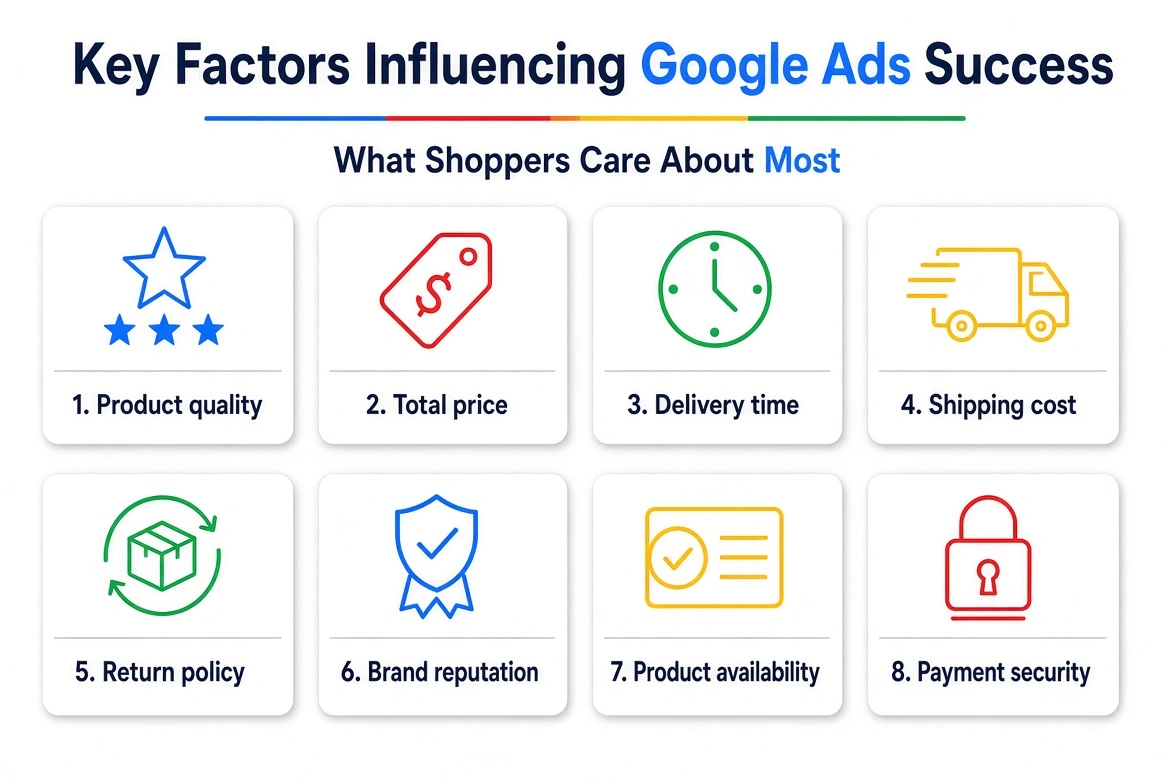
Customers will still consider:
- Product quality
- Total price
- Delivery time
- Shipping cost
- Return policy
- Brand reputation
- Product availability
- Payment security
A faster checkout process helps only when the basic offer is already competitive and trustworthy.
Why Lead Quality Matters More Than Lead Volume
Why Lead Volume Is No Longer Enough
Many Google Ads reports still focus on:
- Clicks
- Impressions
- Conversion rate
- Number of conversions
- Cost per conversion
- Cost per lead
These figures are useful, but they do not provide a complete picture.
A lead is not automatically a customer.
One lead may be ready to buy, located inside the service area and able to afford the service. Another may be searching for employment, requesting a service the company does not provide or submitting false contact information.
If both leads are recorded as the same conversion, Google Ads treats them as equally important.
Consider the following example:
| Campaign | Leads | Cost per Lead | Qualified Leads | Customers |
|---|---|---|---|---|
| Campaign A | 100 | $40 | 10 | 2 |
| Campaign B | 45 | $75 | 25 | 8 |
Campaign A looks better when judged only by lead volume and cost per lead.
Campaign B generated fewer leads at a higher cost, but it produced more qualified opportunities and four times as many customers.
The correct question is not:
// QUERYWhich campaign generated the cheapest leads?
The better question is:
// QUERYWhich campaign generated customers and profitable revenue at an acceptable acquisition cost?
What Is a Qualified Lead?
A qualified lead is a potential customer who meets the business’s basic requirements and is worth pursuing.
The definition varies between industries.
For a water-damage restoration business, a qualified lead may be someone who:
- Needs water extraction, mitigation or restoration
- Is located within the service area
- Owns or manages the affected property
- Requires assistance within a suitable timeframe
- Has provided valid contact information
For an HVAC company, a qualified lead may be someone who:
- Needs an HVAC service the company provides
- Is located inside the service area
- Is responsible for making the service decision
- Needs repair, installation or replacement
- Can schedule an appointment
For a real estate company, lead quality may depend on:
- Budget
- Preferred location
- Move-in date
- Employment or financing position
- Property requirements
- Readiness to rent or purchase
For a software company, qualification may depend on:
- Company size
- Required features
- Available budget
- Decision-making authority
- Implementation timeline
The business should define these requirements before asking Google Ads to optimize for qualified leads.
Why Google Ads Needs CRM Data
A CRM records what happens after someone becomes a lead.
It may show whether the lead:
- Answered the phone
- Met the qualification criteria
- Booked an appointment
- Received an estimate
- Accepted a proposal
- Became a customer
- Generated revenue
- Was rejected or lost
Without this information, Google Ads sees only the initial conversion.
Suppose a campaign produces 50 form submissions. Google may consider the campaign successful because it generated 50 conversions.
The CRM may reveal a different result:
- 50 form submissions
- 30 valid contacts
- 20 qualified leads
- 12 booked appointments
- 7 customers
- $28,000 in completed revenue
The CRM data provides a much clearer picture of business performance.
When these outcomes are returned to Google Ads, reporting and automated bidding can focus on more meaningful results.
Connect Google Ads With CRM and Sales Outcomes
How to Connect CRM Data With Google Ads
Connecting CRM data with Google Ads generally involves three stages.
Capture the Original Lead Information
When someone submits a form or calls the business, the system should capture the information needed to connect that person with the original advertising interaction.
Depending on the setup, this may include:
- GCLID
- GBRAID
- WBRAID
- Email address
- Phone number
- Form information
- Landing page
- Campaign details
- Call-tracking information
This information should be stored with the lead record in the CRM.
Track the Lead Through the Sales Process
The business should record what happens after the inquiry.
A basic sales pipeline may include:
- New lead
- Contact attempted
- Contacted
- Qualified
- Appointment booked
- Estimate or proposal sent
- Customer
- Revenue recorded
- Lost or disqualified
Each stage should have a clear meaning.
If one salesperson marks an inquiry as qualified after answering the phone while another waits until an appointment is booked, the data will be inconsistent.
Send Meaningful Outcomes Back to Google Ads
Relevant sales outcomes can then be imported into Google Ads.
Possible conversion actions include:
- Qualified lead
- Appointment booked
- Estimate accepted
- Contract signed
- Purchase completed
- Revenue generated
This allows Google to connect later business outcomes with the original advertisement.
Offline Conversion Tracking
Offline conversion tracking helps businesses record actions that happen after the online inquiry.
For example, a customer may click a Google ad, submit a form and complete a purchase several days later by phone or in person.
The original form submission is an online conversion. The final sale happened later and may have been completed offline.
By importing the final outcome, the business can show Google Ads that the original click eventually produced a customer.
This is particularly useful for:
- Local service businesses
- Law firms
- Real estate companies
- Medical and dental practices
- B2B companies
- Education providers
- Automotive businesses
- High-value services with longer sales cycles
Offline conversion data should be uploaded regularly. Daily updates are generally better than waiting several weeks because recent feedback is more useful for campaign optimization.
Enhanced Conversions for Leads
Enhanced conversions for leads use first-party customer information to improve conversion matching.
Information such as an email address or phone number can be securely hashed before it is sent to Google. Google may use that information to connect the later sales outcome with the original advertising interaction.
This can be helpful when click identifiers are missing or when a customer moves between different devices.
Businesses must still follow:
- Google’s customer-data policies
- Applicable privacy laws
- Consent requirements
- Secure data-handling practices
Personal information should not be placed directly inside website URLs or transmitted through unsupported methods.
Common CRM and Conversion Tracking Problems
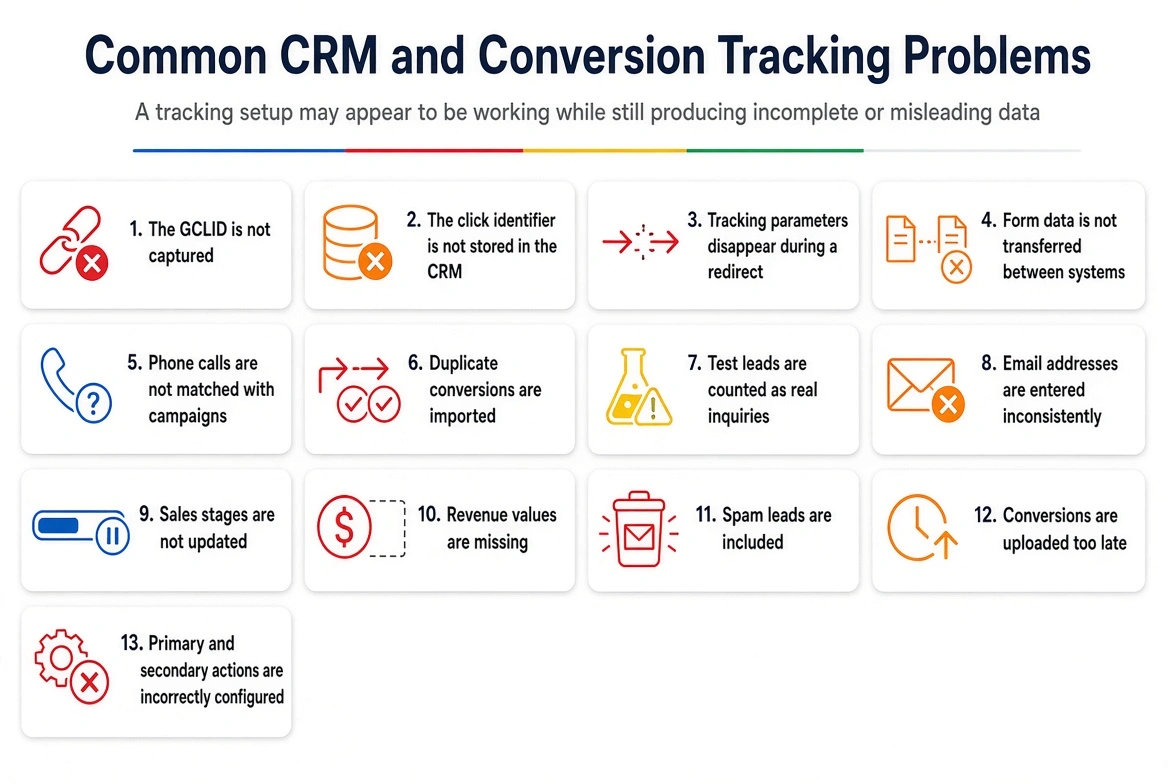
A tracking setup may appear to be working while still producing incomplete or misleading data.
Common problems include:
- The GCLID is not captured
- The click identifier is not stored in the CRM
- Tracking parameters disappear during a redirect
- Form data is not transferred between systems
- Phone calls are not matched with campaigns
- Duplicate conversions are imported
- Test leads are counted as real inquiries
- Email addresses are entered inconsistently
- Sales stages are not updated
- Revenue values are missing
- Spam leads are included
- Conversions are uploaded too late
- Primary and secondary actions are incorrectly configured
The complete journey should be tested from the original ad click to the final CRM result.
A correctly installed Google tag is only one part of accurate conversion tracking.
Build Better Optimization Signals
How to Create a Simple Lead-Scoring System
Businesses do not need a complicated scoring model at the beginning.
A simple system may be enough:
- 0: Not qualified
- 1: Qualified lead
- 2: Customer
A lead can be marked as not qualified if it is outside the service area, requests an unavailable service or contains invalid contact information.
A lead can be marked as qualified if it meets the company’s main requirements and is worth pursuing.
A customer is someone who completes a purchase, signs an agreement or pays for the service.
The scoring model can become more detailed after the business collects enough reliable data.
The important point is consistency.
A simple system used properly is more valuable than a complex system that nobody follows.
Assigning Values to Leads and Customers
Not every conversion has the same value.
A form submission should not necessarily receive the same value as a booked appointment or completed sale.
An illustrative model may assign:
- Initial inquiry: $5
- Qualified lead: $75
- Booked appointment: $150
- Completed customer: Actual revenue
These figures should reflect the economics of the business. They should not be selected randomly.
One way to estimate the value of a qualified lead is:
// QUALIFIED LEAD VALUE
$ Estimated lead revenue value = Average customer revenue × Lead-to-customer rate
$ $5,000 × 20% = $1,000 estimated revenue value per qualified lead
// revenue value is not the same as an acceptable cost per lead
Suppose the average customer generates $5,000 and 20 percent of qualified leads become customers.
The estimated revenue value of a qualified lead would be $1,000.
This does not mean the business should pay $1,000 for every lead. Profit margins, sales costs, operating expenses, cancellations and other costs must also be considered.
What Is Value-Based Bidding?
Value-based bidding helps Google Ads prioritize conversions according to their assigned values.
Instead of treating every conversion equally, Google can place greater importance on actions that contribute more value to the business.
Relevant bidding strategies may include:
- Maximize conversion value
- Maximize conversion value with a target ROAS
This approach can be useful when:
- Conversion tracking is accurate
- Values reflect actual business priorities
- The account receives sufficient conversion data
- CRM stages are updated consistently
- Duplicate conversions are controlled
- The business understands its sales cycle
Value-based bidding should not be introduced before the underlying data is reliable.
Automation cannot improve poor-quality tracking. If inaccurate values are supplied, Google may optimize in the wrong direction.
Should You Optimize for Leads or Customers?
The deepest conversion is not always the most useful bidding signal.
A customer is more valuable than a qualified lead. However, a business that closes only two customers per month may not generate enough customer-level data for stable optimization.
In that situation, optimizing toward qualified leads or booked appointments may provide a stronger signal.
The best conversion action is usually the most meaningful outcome that occurs frequently enough for Google to learn from.
For example:
- A new campaign may begin with valid leads
- A more established campaign may optimize for qualified leads
- A campaign with sufficient sales volume may optimize for completed customers or revenue
The optimization stage can become deeper as the account collects more reliable data.
Primary and Secondary Conversions
Google Ads allows advertisers to separate primary and secondary conversion actions.
Primary conversions are the actions used in the main Conversions column and can influence automated bidding.
Secondary conversions are generally used for observation and reporting.
A lead-generation account might use the following structure:
Primary Conversions
- Qualified lead
- Booked appointment
- Completed customer
- Confirmed purchase
Secondary Conversions
- Form opened
- Chat started
- Phone-number click
- Contact page visit
- Unqualified inquiry
- Other early engagement actions
If every small action is treated as a primary conversion, Google may optimize toward activities that are easy to complete but have little business value.
Prepare for AI-Powered Google Ads
How AI Ads and CRM Data Work Together
AI-powered ads improve the front of the customer journey. CRM integration improves the information available at the end.
The complete process may work like this:
- A person asks Google a detailed question.
- Google interprets the meaning and intent.
- A relevant sponsored experience appears.
- The person visits the website, starts a chat or submits an inquiry.
- The lead enters the CRM.
- The sales team reviews and updates the lead.
- Qualified-lead, appointment or sales data is returned to Google Ads.
- Google receives a clearer signal about which interactions create value.
- Reporting and bidding become better aligned with business results.
If the final stages are missing, the system remains incomplete.
A business may use advanced AI advertising while still optimizing for low-quality form submissions.
How Businesses Should Prepare for AI-Powered Google Ads
Businesses do not need to wait for every new advertising format to become available.
They can prepare by improving the information, tracking and sales systems that AI-powered advertising depends on.
Improve Service and Product Pages
Each important page should explain:
- What is being offered
- Who it is intended for
- Which problem it solves
- Where it is available
- What is included
- What is not included
- What affects the price
- What happens after an inquiry
- How customers can take the next step
Avoid general claims that could describe almost any company.
Answer Real Customer Questions
Create useful content around the questions customers ask before purchasing.
For a restoration company, this may include:
- How quickly can you respond?
- Do you provide emergency water extraction?
- Which locations do you serve?
- Do you handle sewage cleanup?
- Can you work with insurance documentation?
For an HVAC company, it may include:
- Do you repair all system types?
- Do you offer emergency service?
- Should an old system be repaired or replaced?
- Which areas do you serve?
- Can I schedule an estimate?
Clear answers help customers and give Google more useful information about the business.
Improve First-Party Data
Businesses should collect useful information directly from customer interactions while following privacy and consent requirements.
First-party data may include:
- Contact information
- Service requested
- Location
- Appointment status
- Qualification result
- Purchase history
- Customer value
- Sales outcome
This information can support better measurement and more meaningful campaign optimization.
Review Lead Handling
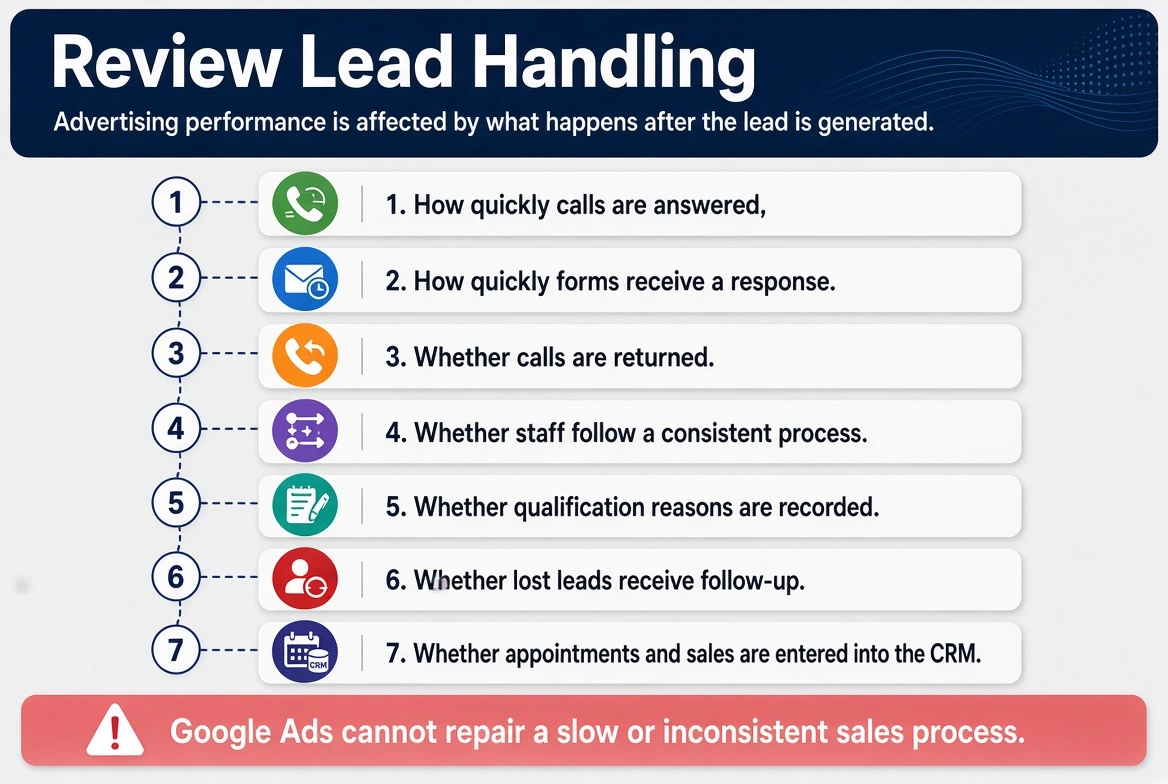
Advertising performance is affected by what happens after the lead is generated.
Review:
- How quickly calls are answered
- How quickly forms receive a response
- Whether calls are returned
- Whether staff follow a consistent process
- Whether qualification reasons are recorded
- Whether lost leads receive follow-up
- Whether appointments and sales are entered into the CRM
Google Ads cannot repair a slow or inconsistent sales process.
Measure the Business Results That Matter
How Google Ads Reporting Should Change
A useful Google Ads report should go beyond clicks and form submissions.
It should answer:
- How many valid leads were generated?
- How many leads were qualified?
- How many appointments were booked?
- How many leads became customers?
- Which campaigns generated the most revenue?
- What was the cost per qualified lead?
- What was the cost per customer?
- Which services produced the best customers?
- Which locations generated poor-quality inquiries?
- Which search themes created revenue?
- How long did leads take to convert?
- What was the return on advertising spend?
These measurements provide a clearer picture of whether advertising is supporting business growth.
Common Google Ads Mistakes to Avoid
Optimizing for Every Form Submission
This encourages Google to find more people likely to complete forms, even when those people are unlikely to become customers.
Judging Performance Only by Cost per Lead
A cheap lead is not valuable if it is unqualified. Cost per qualified lead and cost per customer are more useful measurements.
Using Random Conversion Values
Conversion values should represent real business importance. Random values can mislead automated bidding.
Changing the Bid Strategy Before Fixing Tracking
A different bidding strategy cannot correct missing, duplicated or inaccurate conversion data.
Treating Ad Strength as a Business Result
Ad strength is a platform recommendation. It does not prove that an advertisement is generating qualified leads or profitable sales.
Ignoring the Sales Team
The sales team often knows why leads do not convert. Those reasons should be recorded inside the CRM and used to improve targeting, messaging and qualification.
Uploading Outcomes Too Slowly
If possible, CRM outcomes should be returned regularly. Recent data gives Google more useful feedback than information uploaded several weeks later.
Expecting AI to Fix a Weak Offer
AI may improve matching and presentation, but it cannot correct poor pricing, slow service, unclear positioning or an offer that customers do not want.
Google Ads Management Is Becoming Business-Data Management
Google Ads specialists still need to understand keywords, ads, landing pages and bidding.
They must now also understand:
- CRM systems
- Conversion architecture
- Lead qualification
- First-party data
- Sales pipelines
- Revenue attribution
- Customer acquisition cost
- Conversion values
- Call tracking
- Data quality
- Privacy requirements
This does not mean campaign management is becoming completely automatic.
It means the advertiser’s role is changing.
Small manual bid adjustments are becoming less important than giving Google accurate information, selecting the correct conversion goals and measuring the outcomes that matter to the business.
Conclusion
Google Ads is becoming more conversational, personalized and dependent on artificial intelligence.
Advertisements may answer detailed questions, explain products, appear within AI-generated recommendations, support direct conversations and present relevant offers while customers are researching.
However, new advertising formats will not automatically create better results.
Google still needs reliable information about what happened after the click, conversation or form submission.
If every inquiry is reported as equally valuable, Google will continue optimizing toward lead volume. If qualified leads, appointments, customers and revenue are returned to the platform, Google has a better opportunity to optimize toward business value.
The practical direction for advertisers is clear:
- Create detailed and trustworthy landing pages
- Keep product and service information accurate
- Connect CRM data with Google Ads
- Define qualified leads clearly
- Track sales outcomes
- Assign realistic conversion values
- Separate primary and secondary conversions
- Choose a conversion goal with sufficient data
- Measure customers and revenue instead of lead volume alone
AI is changing how Google advertisements are created and displayed, but the basic principle has not changed.
Profitable advertising depends on reaching the right customer, providing a relevant offer and accurately measuring what happens after the customer responds.